What should I play next? Let Play Next pick from your backlog
Play Next is a free roulette on GameShelf that picks the next game to play from your backlog — or your wishlist, trending games, and more — narrowed by the vibe you want, the time you have based on HowLongToBeat hours, and how highly rated you want it to be.
Start tracking — it's freeSign in with Google, or look around as a guest.
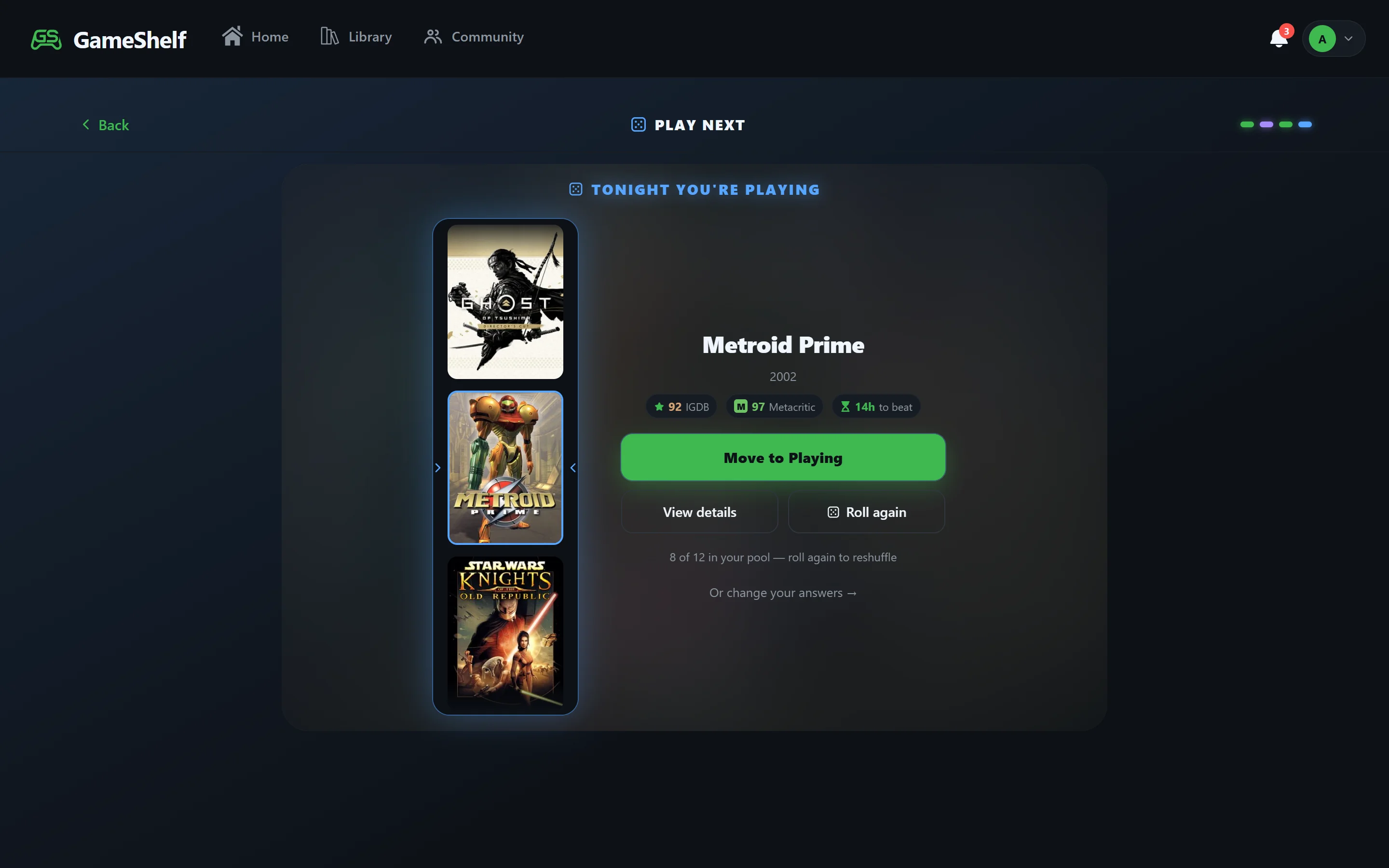
Four quick questions, one game
1. Where to pick from
Your backlog, your wishlist, Trending Now, All-Time Greats, Hidden Gems, or a favorite to replay.
2. The vibe
Chill, adrenaline, story-rich, or mind-bender.
3. How much time you have
A quick hit (under 10 hours), a weekend run (10–25 hours), or an epic saga (25+ hours), using HowLongToBeat main-story hours.
4. How picky you are
Set how highly rated the pick should be. Every result shows its HowLongToBeat hours and Metacritic score, and you can spin again.
Other ways GameShelf helps you decide
Game Similarity Lookup
Can’t decide because nothing appeals? Game Similarity Lookup takes 3–5 games you love and suggests three more.
Squad Pick
Playing with friends? Squad Pick lets everyone put games into a pool and vote until one is left.
Try it
- Open GameShelf and sign in with Google — it’s free. You can also continue as a guest to look around first.
- Add a few games to your Backlog, or link Steam to import them.
- Open Play Next from the Home screen, answer the four questions, and spin.
Frequently asked questions
- How do I decide what game to play next from my backlog?
- Use Play Next on GameShelf: pick where to choose from (such as your backlog), a vibe, how much time you have based on HowLongToBeat hours, and how highly rated you want the game to be, then spin. It picks one game that fits.
- Is there a random game picker for my backlog?
- Yes. GameShelf’s Play Next is a free roulette that picks a random game from your backlog, filtered by mood, length, and rating so the pick fits what you feel like playing.
- Can it pick a short game?
- Yes. Choose “quick hit” and Play Next only picks games whose HowLongToBeat main story is under 10 hours.
- Do I need an account to use Play Next?
- Play Next picks from your GameShelf library, so you sign in with Google to use it. GameShelf is free.
Build your shelf
GameShelf is free and runs in any browser on phone, tablet, or desktop.